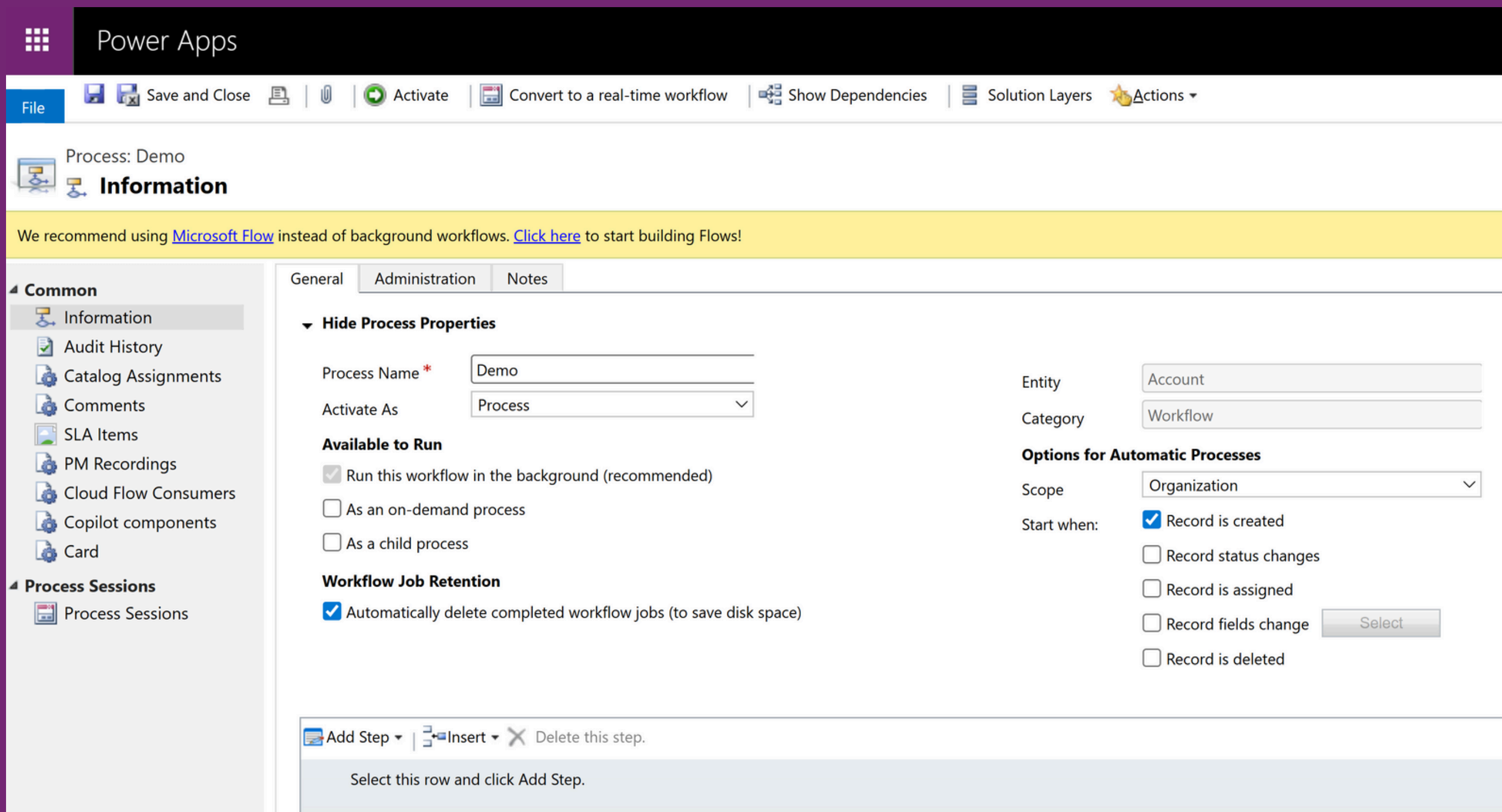
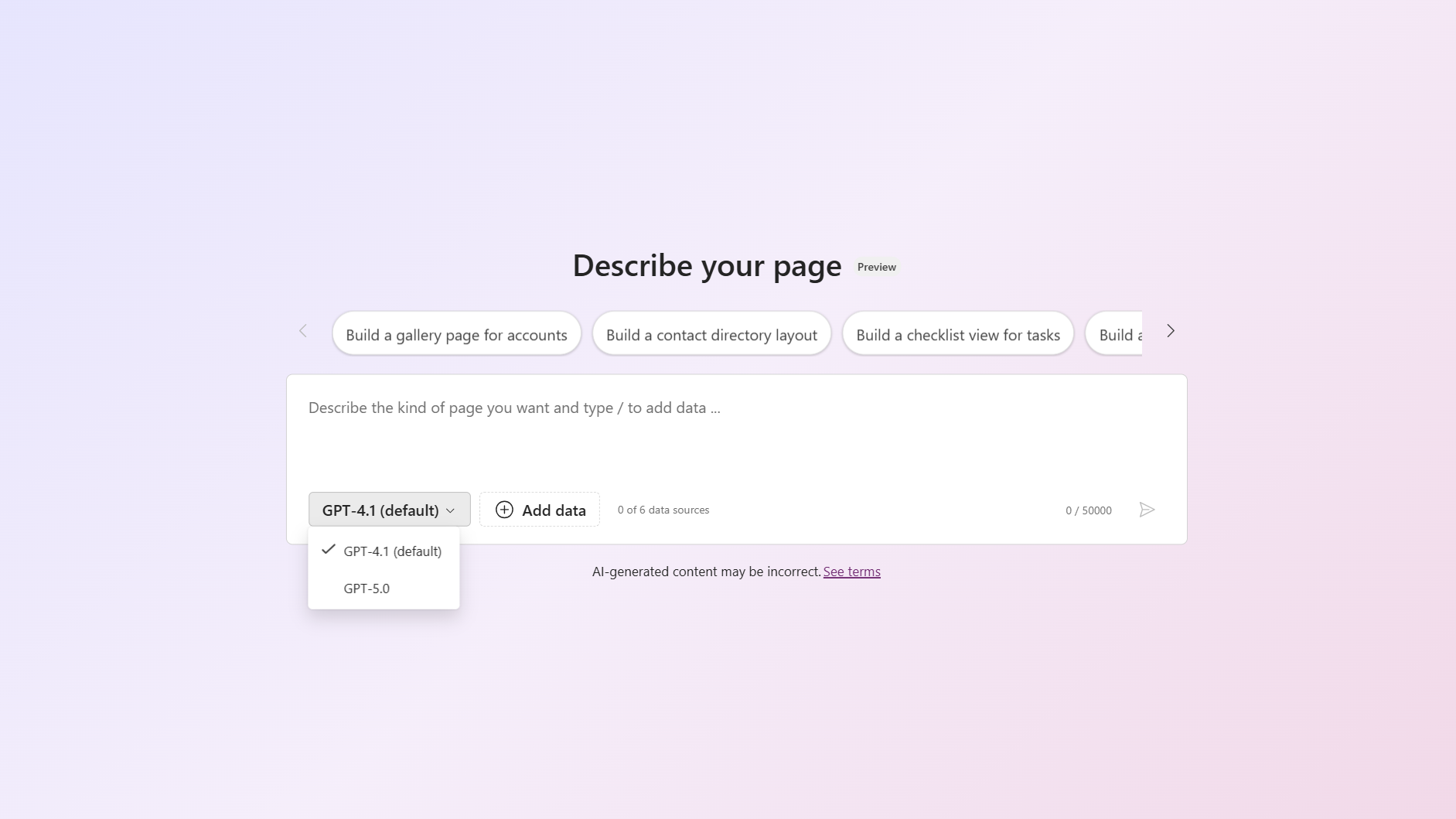
My first contact with Dataverse was back in 2021, when I got started with the Power Platform and Dynamics 365. Back then I didn't really understand what I was dealing with. As a user, you simply work with a form, enter data, save it, maybe change something later or delete records. You rarely stop to think about what's actually happening behind the scenes.
Even as a customizer — someone who configures solutions without doing classic programming — it wasn't easy at first to develop a deeper understanding of Dataverse. You click fields and tables together, you see the user interface, but the logic underneath stays abstract at first.
At the time I already had some experience with SQL and classic relational databases. There, you work with tables that contain fields, and you fill them with records. Dataverse works in a very similar way at its core: there are tables here too, fields like name, street, or country, and of course the actual data being stored. But the difference lies in the details — and that's exactly what I only came to understand over time.
What makes Dataverse special?
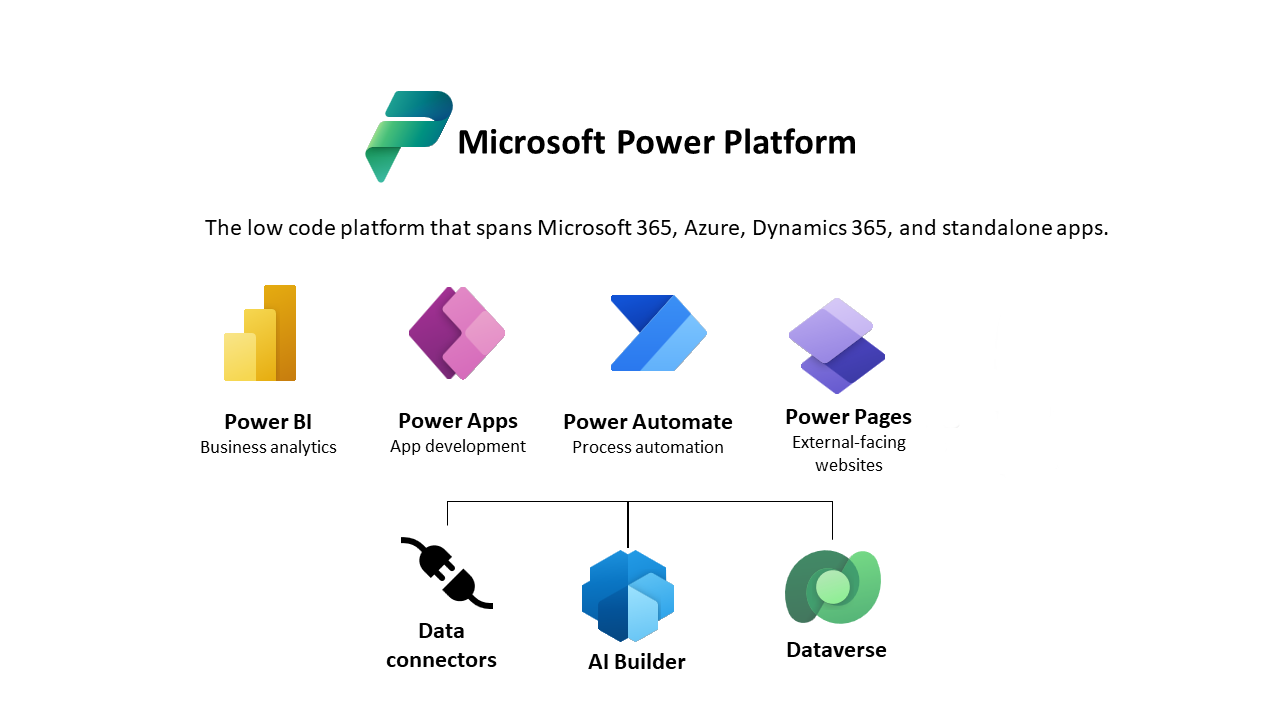
Dataverse is the central data platform of the Power Platform and is tightly integrated with Power Apps, Power Automate, and Power BI. Unlike a classic SQL database, a lot is already built in here that you'd otherwise have to build manually: security concepts, business logic, formula logic, API access — it's all available right out of the box. And above all, it's accessible through a user-friendly interface, without needing to dive straight into SQL or complex code.
That's both a blessing and a curse. On one hand, it makes getting started enormously easier. You can quickly put together your own solutions without much technical background. On the other hand, it also means you can quickly lose sight of important fundamentals — like how the data structure is maintained long term, or what impact seemingly simple changes can have.
What I learned working with Dataverse
Naming conventions matter
When you create tables, fields, or solutions, you should think ahead about how you name them. Consistent naming conventions help not just you, but everyone who later works with your solution. Especially on larger projects or with multiple environments, this can prevent a lot of confusion.
Logical name vs. display name
The logical name is the technical identifier you need, for example, in Power Automate or for API access. It's unique and can't be changed later. The display name is what users see in the interface. It's important to be aware that these two names are different — and that the logical name should be chosen with care.
Use your own publisher
When you create a solution, you shouldn't use Microsoft's default publisher (it generates prefixes like new_ or cr8a3_). It's better to create your own publisher, for example with a company abbreviation like sw_. That gives you clear technical names and helps structure larger solutions.
Don't delete fields and tables carelessly
In real projects, you often work across multiple environments such as development, test, and production. That's important for properly testing new functionality. If you delete a field or table that's still being used somewhere, it can cause errors during deployment. That's why it's important to check dependencies before removing anything.
Understand dependencies
In Dataverse, a lot of things are interconnected: fields, forms, views, rules, flows, and more. If you delete a field that's used in a view, you'll run into errors — not just during deployment, but also in live operation. The Solution Explorer helps make these dependencies visible. I use it regularly.
Conclusion
Dataverse isn't just a data store. It's a platform that combines many important capabilities for the Power Platform while still staying user-friendly. But you only really understand all of this once you try it out for yourself.
If you want to get started, I recommend beginning with a free developer environment. That way you can try out your own scenarios without any risk.
Go to the Power Platform Developer environment ↗
Your Experience?
Do you have questions, or have you already worked with Dataverse yourself? What were your learnings, stumbling blocks, or aha moments? I'd love to hear from you — feel free to reach out via the contact form or on LinkedIn.

Questions or experiences of your own on this topic? I'd love to hear from you — via the contact form or on LinkedIn.